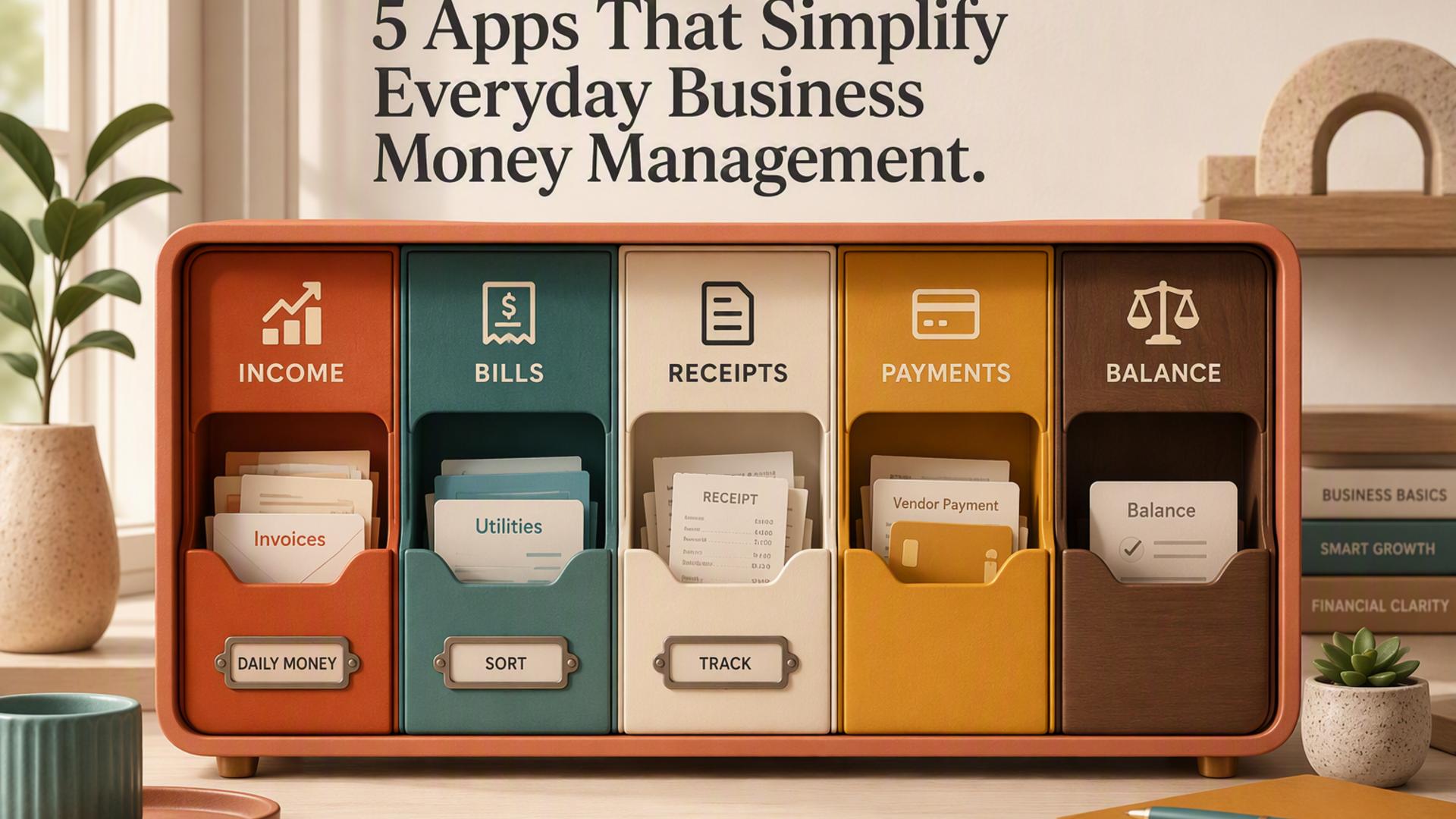
Five Apps That Simplify Everyday Business Money Management
For many small business owners, financial pressure is rarely caused by one major issue. More often, it results from a buildup of routine frustrations: an unpaid invoice, a misplaced receipt, an unexpected bill, or a bank balance that differs from expectations. Each issue may be manageable on its own, but collectively they can create ongoing financial anxiety.
Business owners who avoid that persistent background stress are not necessarily more skilled with finances. Instead, they have incorporated a small group of apps into their regular workflows to address those everyday pain points automatically. This keeps their financial information accurate and visible without demanding continual hands-on oversight. That setup can look like this.
1. Sage Accounting: Software for Accounting and Cash Management
Sage Accounting provides the foundation for the rest of the setup. It links with bank accounts to import transactions automatically, monitors money received and paid out as it happens, handles GST, HST, PST, and QST calculations, and produces cash flow forecasts that indicate what the financial position may look like over the coming weeks.
Instead of repeatedly looking at a bank balance and relying on assumptions, Sage provides a full and accurate picture of current funds and where they are being allocated. For Canadian small business owners who want clearer financial oversight, this real-time visibility can make a meaningful difference. Plans begin at an accessible price point and can expand alongside the business, without requiring long-term contracts.
Why it matters: Ongoing and accurate financial visibility reduces the uncertainty behind much of the everyday stress associated with small business money management.
2. Pleo: Business Spending App
For small business owners with even one or two employees making purchases for the company, spending that is not tracked can create lasting financial and administrative strain. Pleo provides smart business spending cards, automatically collects receipts at the time of purchase, categorizes transactions, and sends the information into accounting software in real time.
Each expense is immediately visible, properly categorized, and supported by a receipt. There is no need for a month-end expense claim process or manual reconciliation. This creates a complete and up-to-date view of company spending, reducing the likelihood of unexpected costs appearing later.
Why it matters: Seeing all business spending in full and in real time keeps financial records accurate and helps ensure that month-end costs do not come as a surprise.
3. Relay: Business Banking App
Clean, low-stress financial management starts with a dedicated business bank account supported by effective digital tools. Relay is a business banking platform available to Canadian businesses that provides multiple accounts through one dashboard. This enables owners to structure funds intentionally, such as using an operating account for daily costs, a tax reserve account for GST and income tax as revenue comes in, and a savings buffer for unforeseen expenses.
With money organized in this manner and displayed through one straightforward interface connected to accounting software, it becomes easier to determine whether an expense is affordable or an upcoming obligation can be covered.
Why it matters: Multi-account banking that is clearly organized helps owners understand exactly what their money is allocated for, removing the guesswork that contributes to financial stress.
4. Dext: Receipt Capture App
Business receipts build up every day, whether they come from a fuel station, supplier, restaurant meeting, or online tool subscription. They represent legitimately deductible money, but only when they are collected and recorded. Dext allows users to take a photo of a receipt on their phone immediately, automatically extracts the relevant data, and sends it to accounting software without manual entry.
As a result, expense management can be completed in seconds during the normal course of the day instead of becoming a stressful month-end task involving missing receipts and forgotten details.
Why it matters: Recording expenses as soon as they happen supports complete records, maximum deductions, and eliminates the need for an end-of-month reconstruction exercise.
5. Plooto: Payment Automation App
Manually sending e-transfers, issuing checks, following up on overdue invoices, and handling incoming and outgoing payments can be a recurring source of cash flow stress for Canadian small business owners. Plooto automates payments in both directions, enabling businesses to pay suppliers and receive customer payments from one dashboard while automatically reconciling activity with accounting records.
When customers can use a straightforward payment link, and suppliers receive payment automatically according to schedule, cash flow is easier to anticipate. Payments are less likely to be late or overlooked, while accounting records more consistently reflect what has actually occurred rather than what is assumed to have occurred.
Why it matters: Predictable, automated payment processing reduces the uncertainty and manual work that can make cash flow management more stressful than necessary.
Frequently Asked Questions
How can I tell whether my business has a cash flow issue or a profitability issue?
These are separate challenges and call for different responses. A profitability issue means that the business is not bringing in enough revenue compared with its costs. A cash flow issue occurs when the timing of incoming funds does not align effectively with outgoing payments, even when the overall financial picture is positive. Many small businesses are profitable while still experiencing cash flow difficulties, especially when customer payments are slow or large costs occur at the same time. Accounting software that shows both profit and loss information and a cash flow forecast at once makes the distinction much easier to identify.
Is connecting a business bank account to payment and accounting apps secure?
Established platforms rely on secure, read-only bank connections through regulated open banking channels or direct bank integration agreements. These connections do not require users to provide banking login credentials. The app can view and import transaction information, but it cannot move funds unless explicit authorization is provided. Major financial institutions use the same technology, and it is considered safe for routine business use.
How frequently should business finances be reviewed?
For most small businesses, a brief daily or every-other-day review of the bank balance, unpaid invoices, and accounting software alerts is enough. Reviewing profit and loss, cash flow, and forthcoming large payments more thoroughly each month helps owners stay informed without taking up too much time. Because cloud accounting software keeps information current and organized, these reviews generally take minutes rather than hours.
How can I prevent unexpectedly running out of cash?
Most small business owners receive adequate notice to act before a cash shortfall occurs by combining a cash flow forecast showing the expected position thirty to ninety days ahead, a tax reserve account that builds during the year, and a clear picture of unpaid invoices and upcoming payments. The important factor is maintaining these systems consistently instead of reviewing them only when something appears to be wrong.
What should happen when a client misses a payment deadline?
Late payments are among the most frequent drivers of small business cash flow difficulties. The strongest protection combines clear payment terms set out in advance through a written agreement or invoice, automated reminders sent both before and after the due date, and a simple payment method that makes completing payment easier. When clients receive regular reminders and have an immediate, uncomplicated way to pay, late payment rates typically decline significantly without the need for uncomfortable conversations.